What is APA Style — overview and history

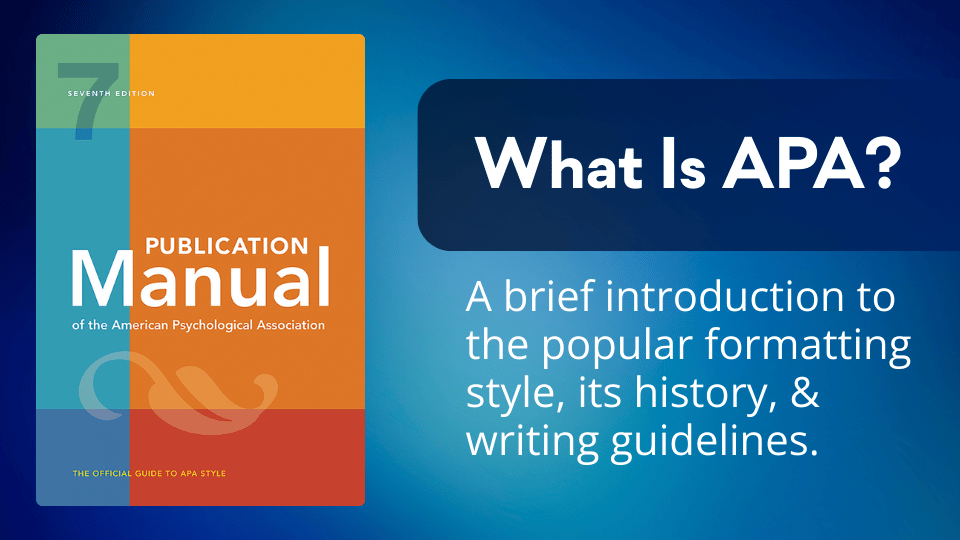
What Is APA?

APA (American Psychological Association) Style is a standardized system for formatting academic papers and citing sources widely used in the social sciences. Founded almost a century ago, the association published its first style guide in 1929 to bring consistency to scientific writing. It is now in its 7th edition.

Read more
Step-by-step breakdown of an APA 7 journal article reference with labeled citation elements.

APA 101: Formatting a Journal Article Reference

APA 7 journal article references follow a specific seven-part structure. Each element has distinct formatting rules around italics, capitalization, and punctuation. Though the process is more involved than other reference types, understanding each component helps make things more manageable.

Citing sources without page numbers in APA

APA Obscura: Citing Material Without Page Numbers

When a source lacks page numbers, APA style offers alternatives to help readers locate quotations.For webpages and ebooks, you can use section headings, abbreviated headings, or paragraph numbers. For audiovisual sources, you can use timestamps. For canonical works, use built-in numbering systems. The guiding principle is to help your reader find the passage.

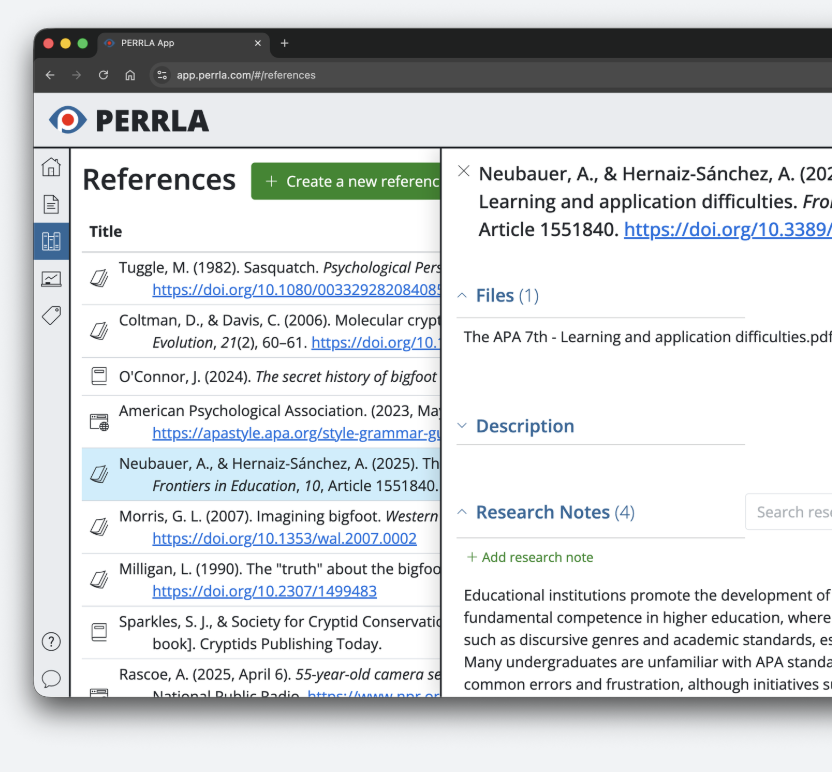
PERRLA Chrome Extension for research notes

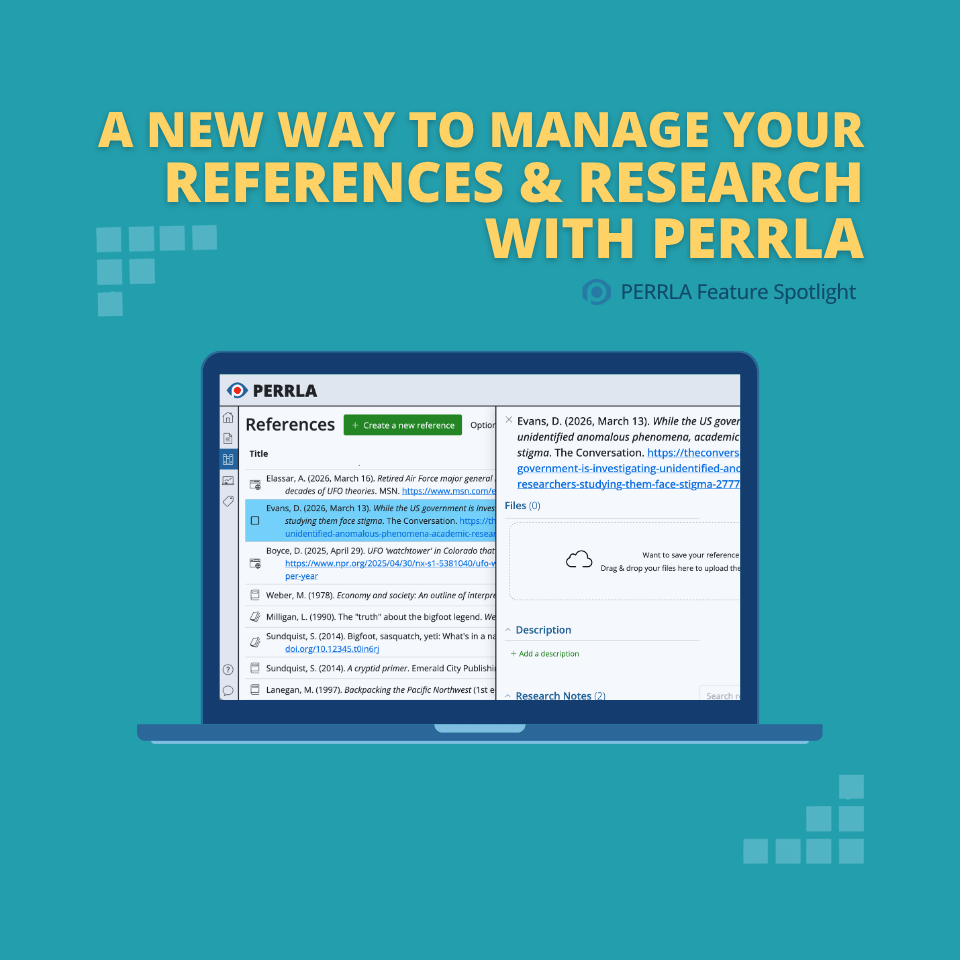
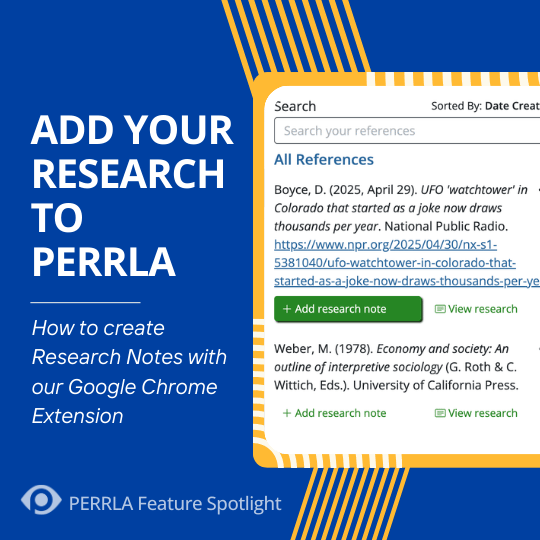
Feature Spotlight: Creating Research Notes with PERRLA’s Google Chrome Extension

PERRLA's Google Chrome Extension streamlines research by letting you instantly create references from any webpage and save quotations as Research Notes. Those notes can then be inserted directly into your paper, complete with a perfectly formatted citation.

APA 7 book reference format example

APA 101: Formatting a Book Reference

In APA 7, book references have four main components: author, date, title, and source. While there are many variations of this formula, this brief tutorial on formatting a basic book reference is a helpful place to start.

What is APA Style — overview and history

What Is APA?

APA (American Psychological Association) Style is a standardized system for formatting academic papers and citing sources widely used in the social sciences. Founded almost a century ago, the association published its first style guide in 1929 to bring consistency to scientific writing. It is now in its 7th edition.

Citation within a quotation in APA format

APA Obscura: There's a Citation in This Quotation

If you find the perfect quotation for your research paper, but there's a citation inside the quoted work, don't fret. You can still include the quotation in your paper by following a couple of simple guidelines.

PERRLA March 2026 newsletter highlights

From the PERRLA Newsletter: Something Big is Coming & Two Updates You'll Love Right Now

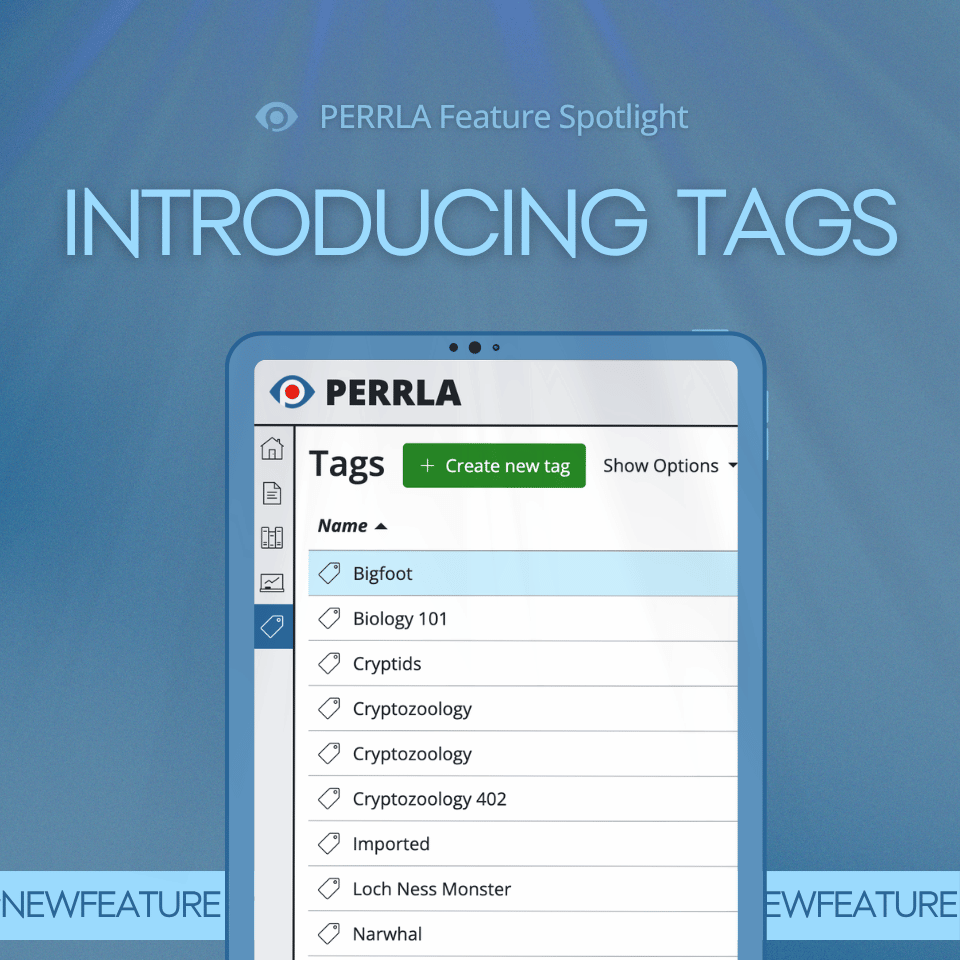
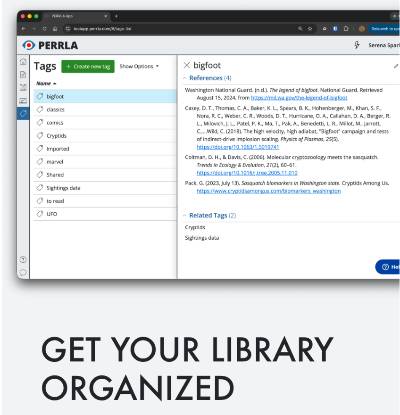
Check out the latest announcements and updates from the March 2026 newsletter, including Tags in PERRLA Online, an upgrade to PERRLA's Google Chrome Extension, and details on a new Institutional Affiliate Program.

Academic citation tools simplifying APA formatting

How Can Academic Citation Tools Simplify APA Formatting?

APA citation generators offer multiple benefits for students working on research papers. Quality tools help students save time by automating the citation process, allowing them to focus on content rather than formatting. These tools also reduce the risk of errors by ensuring adherence to the latest APA guidelines.

Citing multiple sources in one citation with PERRLA

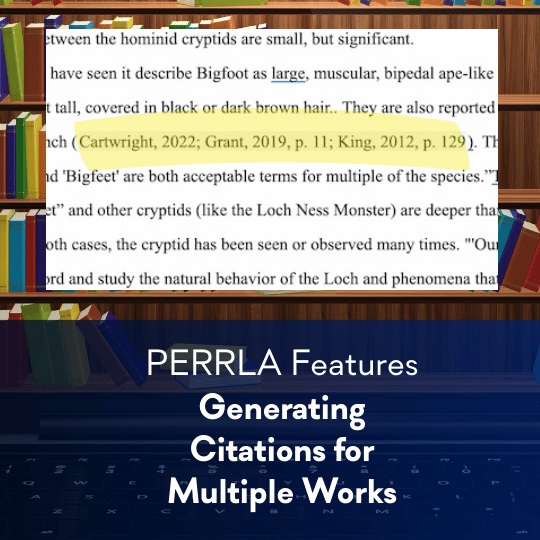
Feature Spotlight: Citing Multiple Works with PERRLA

In APA 7, when multiple authors make similar points you'd like to reference in your paper, you'll need to combine their citations into a single set of parentheses. Let's take a look at how to properly format such a 'merged' citation both manually and with PERRLA.

Cover image of PERRLA case study highlighting a nursing student improving writing skills in RN–BSN and MSN programs.

PERRLA Partnership: A Proven Platform for Student Success

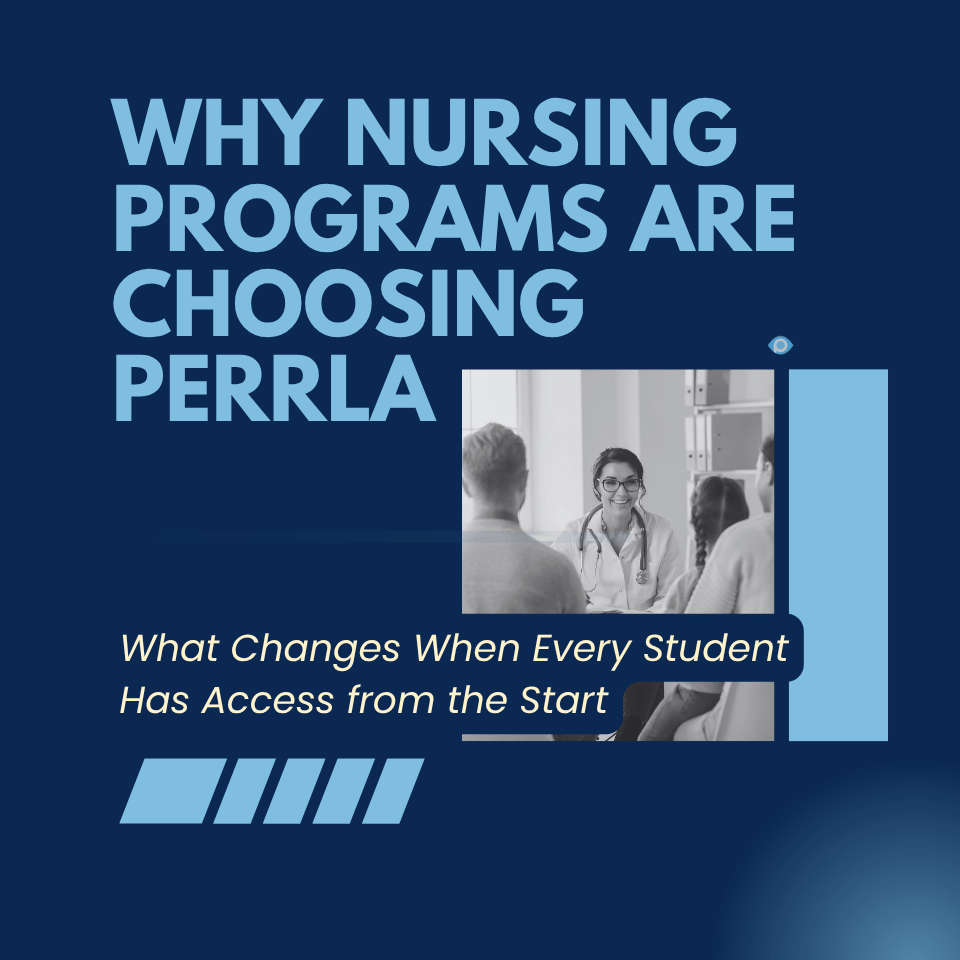
PERRLA helps our partner institutions improve student APA accuracy, emphasize good writing practices, and reduce grading time. But don't just take our word for it; check out what representatives from Stephen F. Austin University's DeWitt School of Nursing had to say after a recent PERRLA pilot program.

Converting research sources into APA references

APA 101: Turning Research into References

A good reference list shows you have grounded your research paper in credible, established evidence. By consistently gathering reliable sources and formatting them correctly, you can produce a clean, verifiable reference list. While everyone’s research style is different, you may find this simple workflow to be helpful.

Personal communications in APA style

APA Obscura: Don't Get 'Personal' on Your Reference Page

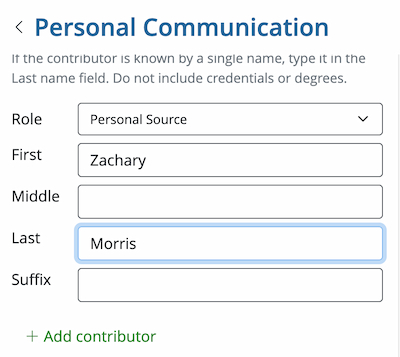
Sources like personal interviews, text messages, or unrecorded classroom lectures can be viable, even if your reader is unable to view them. These types of sources are called "personal communications," and even though they won't appear on your reference page, they still need to be cited in your paper.

PERRLA All Types tab for reference creation

Feature Spotlight: Get the Most from PERRLA with the ‘All Types’ Tab

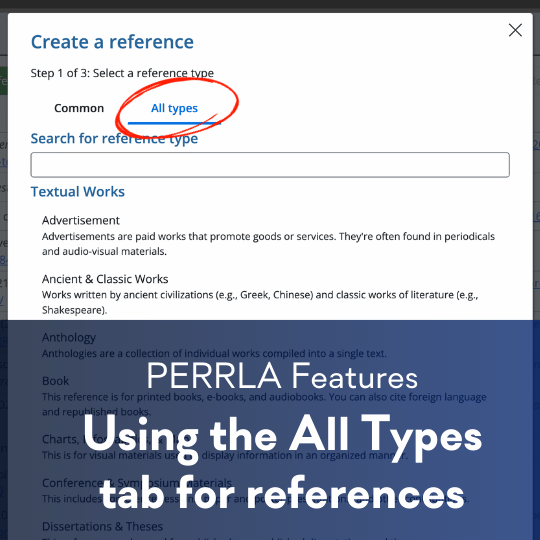
PERRLA doesn't just handle the "big three" reference types (books, journal articles, and webpages). With the 'All Types' tab, you can use PERRLA to easily create perfectly formatted references for every reference type.

APA 7 reference page layout example

APA 101: Let’s Build a Reference Page

Start a new page titled References (centered, bold), double-space and alphabetize entries, and use a 0.5″ hanging indent – or let PERRLA build it automatically.

PERRLA February 2026 newsletter

From the PERRLA Newsletter: Google Docs & Upcoming Features

PERRLA's February 2026 newsletter covers Google Docs integration progress and upcoming features for the spring semester.

APA paper introduction section

APA Obscura: Your Introduction Needs No Introduction

APA 7 doesn’t require an Introduction heading – the paper’s first paragraphs are assumed to be introductory. On page 2 of a student paper, repeat the title (bold, centered, Title Case), press Return once, and begin the body; if an instructor explicitly requests an Introduction heading, always follow their directions.

APA 7 paper body formatting guide

APA 101: Formatting the Body of Your Paper

The body of an APA 7 student research paper is where your ideas, evidence, and arguments come together, and correct formatting helps readers focus on your content. This post walks through the key APA requirements for the body of a paper, including page numbering, repeating the title on page two, paragraph formatting, spacing, and the optional use of headings.

PERRLA reference accuracy — real sources only

Numbers Can Be Imaginary. Your References? Not So Much

PERRLA never fabricates references: we pull data from authoritative ISBN/DOI databases and page metadata, our tool won’t invent sources, and we provide features to help demonstrate a student’s authorship and preserve academic integrity.

APA 7 title page format example

APA 101: Start right with a Proper Title Page

Your APA 7 title page is your paper’s first impression — this quick guide shows exactly what to include and how to format it, and PERRLA can build it automatically.

Importing .bib files from Zotero and Mendeley into PERRLA

Import .bib Files to PERRLA – Bring your library and research notes with you

Import .bib files from Zotero, Mendeley, EndNote, and other tools into PERRLA to convert references and research notes into accurate APA, MLA, or Turabian citations in seconds.

Emoji in APA citations

APA Obscura: Even Emoji Have to Play by the Rules

Emojis are valid in APA 7 references – include the emoji itself when possible, or if you can’t, write the emoji’s name in square brackets (e.g., [grinning face emoji]) – and PERRLA will automatically format social-media references to follow these rules.

Setting up an APA 7 student research paper

APA 101: Setting up your Student Research Paper

A great research paper starts with a great idea, but turning that idea into a successful student research paper begins with a correctly formatted document – this first APA 101 installment explains the difference between APA student and professional papers and reminds students to follow their instructor’s requirements first.

APA citation with many authors

APA Obscura: That’s a Lot of Authors

APA 7’s rules for works with large author lists: include all authors in references up to 20, but for 21 or more list the first 19, an ellipsis, and the final author; in-text citations still use et al.

Organizing research paper outline before finals

Organizing Your Thoughts Before Final Papers are Due

Beat end-of-semester stress by outlining your research paper. Learn how to structure your introduction, body, and conclusion, place evidence, and use PERRLA to streamline the writing process.

PERRLA 2026 renewal pricing update

We're Making a Change to Renewal Pricing

We need to update our renewal pricing – active subscriptions will keep their current rate as long as they remain active, but expired accounts that renew after Jan 15, 2026 will pay current pricing.

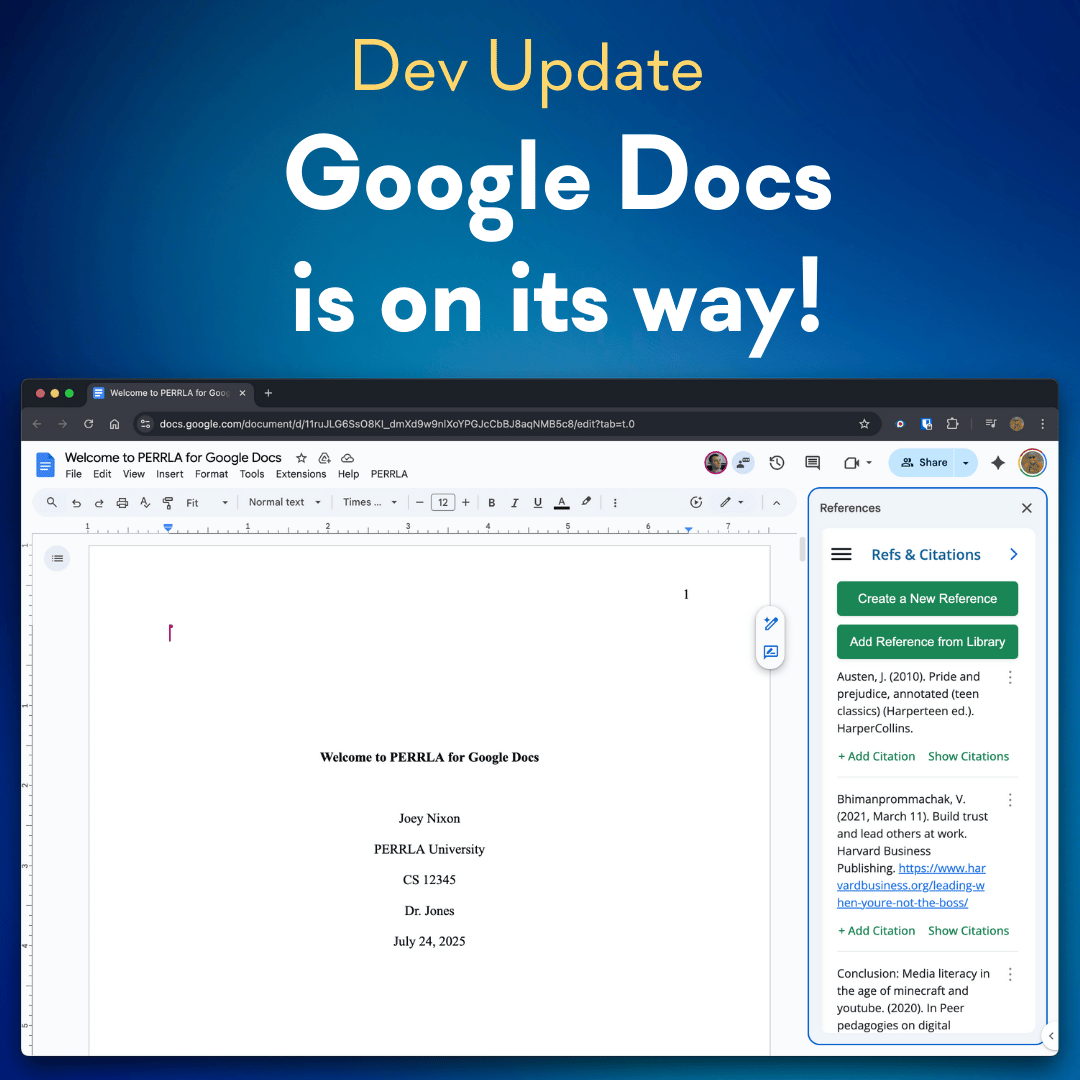
PERRLA Google Docs add-on development progress

Exciting Progress on Our Google Docs Add-On: A PERRLA Update

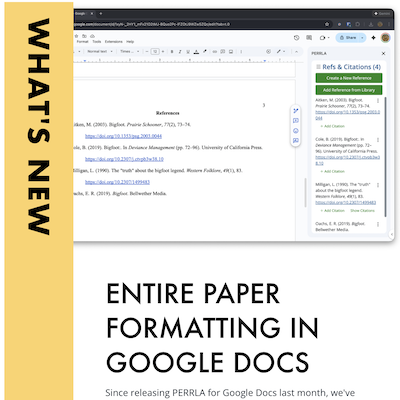
PERRLA’s development team is ~75% complete on the Google Docs Add-On, prioritizing core capabilities and a rearchitected reference engine to guarantee identical citation and formatting behavior across platforms. We're targeting an early-2026 release with incremental updates through the year to reach full feature parity.

Evaluating AI-generated content for academic research

Consider the Source – Why AI Outputs Need Vetting in Academic Research

AI-generated text can fabricate information and even pollute future models, so researchers must vet sources carefully and prioritize academic integrity when using or citing LLMs.

PERRLA supporting academic integrity

How PERRLA Supports Academic Integrity (without replacing the work)

PERRLA supports integrity-friendly workflows without replacing the intellectual work students must do.

Student writing at a desk demonstrating academic tone

Academic Tone & Voice – Sound Smart without Sounding like a Robot

Academic tone is about clarity, precision, and evidence – not sounding robotic.

PERRLA fall development update — Google Docs integration

Fall Dev Update: Google Docs is on the Way!

PERRLA’s Fall development priorities with a focus on the first-phase Google Docs integration.

Beginner's guide to APA in-text citations

APA In-Text Citations: A Beginner's Guide to Getting Them Right

If you're new to APA Style, learning how to cite your sources can feel overwhelming – but it doesn't have to be.

PERRLA version history proving paper authorship

Prove Your Paper is Yours: Using PERRLA’s Version History

PERRLA’s Version History records every edit, citation, and save, creating a 30-day timeline of your writing process. It helps prove authorship, demonstrate effort, and build trust with professors by showing how your paper developed step by step.

And So It Goes...

Cliff Batson says goodbye, and longtime PERRLA insiders Joey Nixon and Graysen Pack say hello. The company keeps its mission, mascot, and pricing, but supercharges features to help students write smarter, stress-free papers.

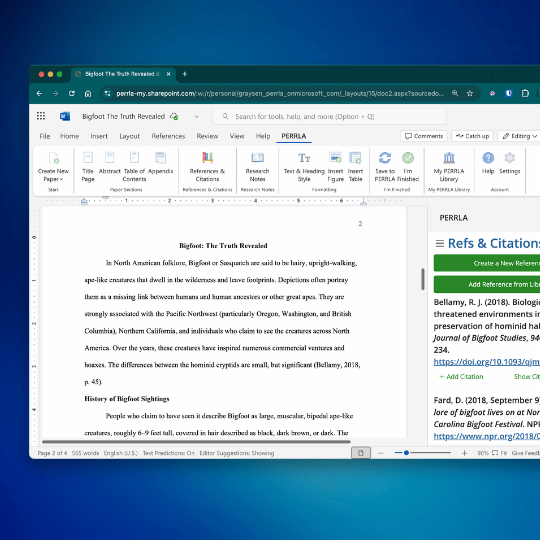
PERRLA summer 2025 new features

What's New: Summer Feature Roundup

PERRLA’s summer updates add Word for Web support, one-click clean paper downloads, cloud backups, and in-app reference library access. These features streamline academic writing, with more integrations and tools planned to further simplify formatting and citation management.

MLA 9 Works Cited page formatting guide

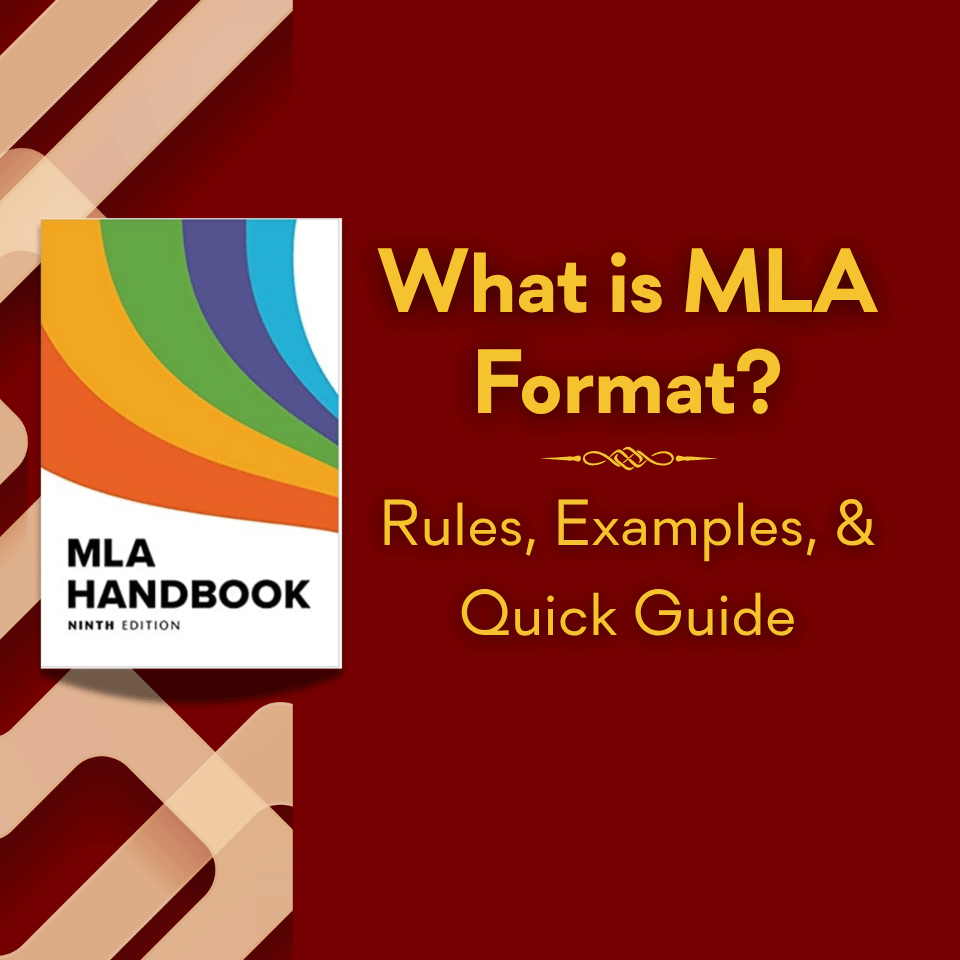
MLA Works Cited Page: Format & Examples

Learn how to create a clean, properly formatted MLA 9 Works Cited page that gives credit where it’s due. This quick guide covers essential rules, common pitfalls, and easy shortcuts to make citation formatting stress-free.

Step-by-step guide to structuring a college paper

How to Structure a College Paper (without Falling Apart)

Struggling to start a college paper? Learn a simple, proven structure – introduction, body, and conclusion – plus a powerful outlining tip that makes writing clearer, faster, and far less overwhelming from start to finish.

How to cite ChatGPT and AI tools in APA format

Citing AI in APA Style: How to Cite ChatGPT and Other Generative AI Tools

Learn how to properly cite ChatGPT and other AI tools in APA style, avoid plagiarism pitfalls, and understand when and how to credit AI assistance – plus practical tips, examples, and common mistakes every student should know.

Why professors shouldn't spend class time on APA mechanics

Why Professors Shouldn’t Be Teaching APA in Class

APA style matters – but teaching its tedious rules in class misses the point. Professors should focus on critical thinking, credible sourcing, and strong arguments, while tools handle formatting – freeing students to engage with ideas that truly matter.

How to paraphrase effectively and avoid plagiarism

How to Paraphrase like a Pro and Avoid Plagiarism

Paraphrasing isn’t as simple as it sounds. Learn how to restate ideas clearly, avoid common mistakes, and cite correctly so you can write with confidence, stay original, and never worry about accidental plagiarism again.

APA 7 references page formatting guide

A Quick Guide to Formatting the References Page in APA 7 Style

Struggling with APA References? This quick, no-stress guide breaks down exactly how to format your page perfectly – spacing, punctuation, and all – so your citations look polished, professional, and completely professor-proof.